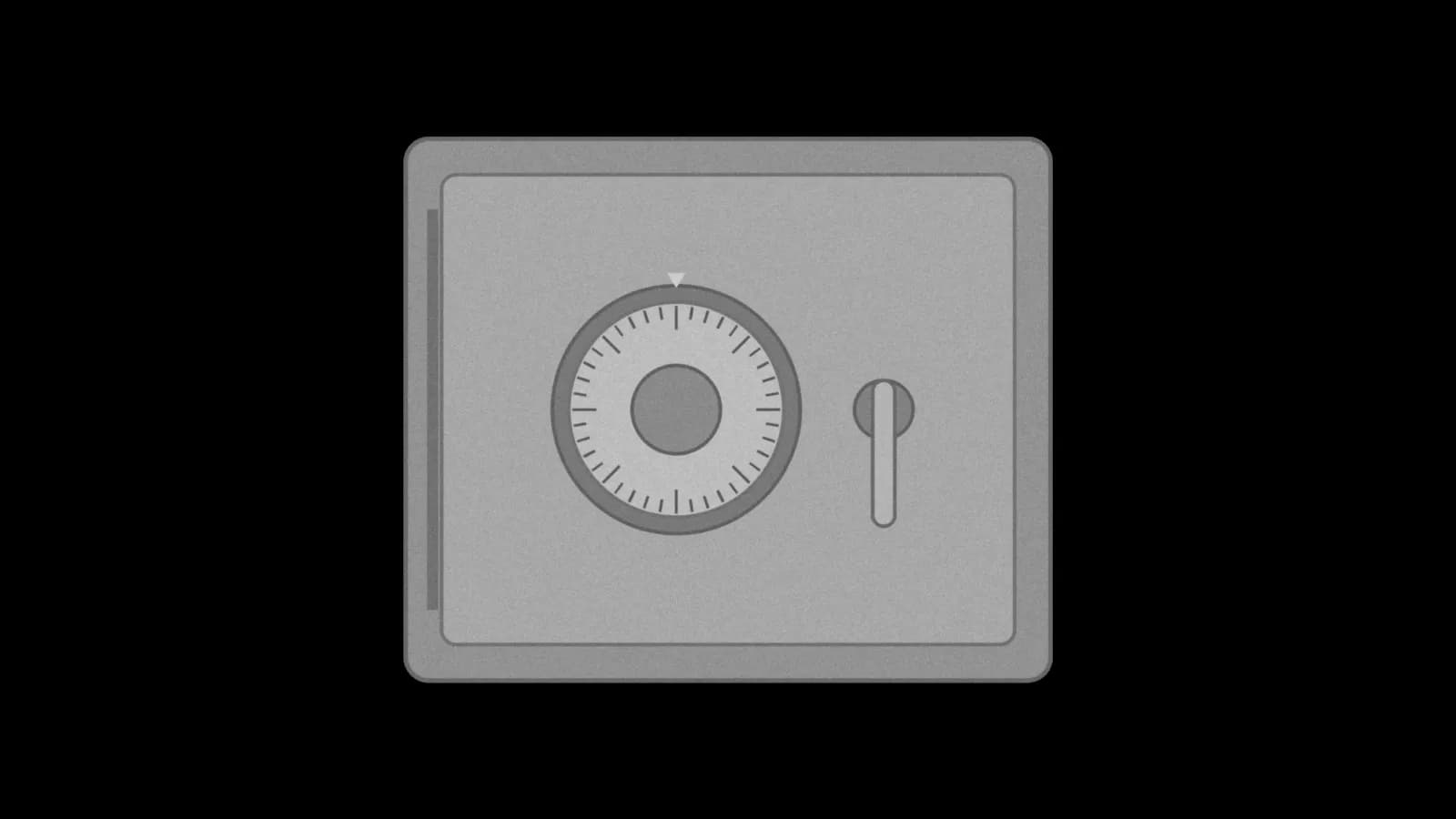
Grok Bot can now save your logins, cards and contact info
Tick one box on a sign-in form and your Bot keeps that login in a new vault, so you don't have to type it again next time.
Update, Oct 23, 6:30 PM ET: The official changelog now lists the Vault in v0.75.5: "Bots can save your logins, cards, and contact info to a Vault in Settings and fill them in to sign in or check out. Requires Grok Bot 0.75.2 or later." It doesn't say what the Bot can see. The rest of that release is in our 0.75.5 story.
At 3:43 PM ET the official @bot account posted: "Grok Bot can now save your logins, cards, and contact information. Add them once, and Bot securely remembers them for the future."
What changed#
The 19-second video on that post shows the flow. Text from the video: the Bot says "I need to sign in to Google Ads Manager. Securely enter your credentials below." and offers a card that "Opens a secure form." The form has a new checkbox, "Securely save to Grok Bot's vault," above the line "Never shown to your Bot. Only filled on ads.google.com".
Also in the video, Settings shows a Vault tab between Computer and Usage & Billing, with filters for All, Logins, Cards and Contact info.
Why it matters#
If you'd rather use a password manager, see our Oct 22 1Password story. Roman Ugarte (@romanugarte_, "Building @Bot at @SpaceXAI, prev: @cursor_ai @harvard") wrote: "Filling out repetitive info for your Bot has been a huge source of friction. It just got much better." lauren (@poteto, "grok @bot at @SpaceXSI") added: "stay safe with grok bot!"
How to use it#
- Give your Bot a task on a site that needs a sign-in.
- When the secure form opens, fill it in and tick "Securely save to Grok Bot's vault."
- Check what is saved under Vault in Settings.
A first task (ours, untested):
Sign in to my electricity provider's site, download last month's bill as a PDF and save my login to the vault so you don't have to ask next time.
Good to know#
- Two screens, two descriptions. The sign-in form in the video says "Never shown to your Bot. Only filled on ads.google.com". The Vault page in the same video says "Grok Bot never sees a saved card's number or security code. It can see logins and contact info so it can type them in for you." The two screens describe the Bot's access to logins differently. The v0.75.5 changelog entry says Bots "fill them in to sign in or check out" and doesn't address it either; no docs page explains it yet, and we're watching for one.
- The docs have not caught up. The FAQ still says that when you delete a Bot, "files and logins on that computer may remain." It doesn't mention the vault.
- Version. The changelog lists the Vault under v0.75.5 and says it "Requires Grok Bot 0.75.2 or later." No plan or platform is named.
What to watch#
Docs on where the vault is stored, who can see it, and whether all your Bots share it.
Last checked: Oct 23, 2026, 4:20 to 4:23 PM ET (the three X posts and bios via the X API, the launch video frame by frame, x.ai/changelog/bot, docs.x.ai FAQ, security page and sitemap); rechecked 6:22 to 6:24 PM ET (x.ai/changelog/bot, docs.x.ai FAQ, security page and sitemap). What changed: first published Oct 23; Oct 23 evening, added the v0.75.5 changelog entry and updated the version line.