Reported, not yet confirmed.
Hark Pro 2.3.0 adds a Lock Screen widget and drag-and-drop files
Hark's first iPhone update with real release notes since launch: open it from your Lock Screen, drop files into chat, and save media.
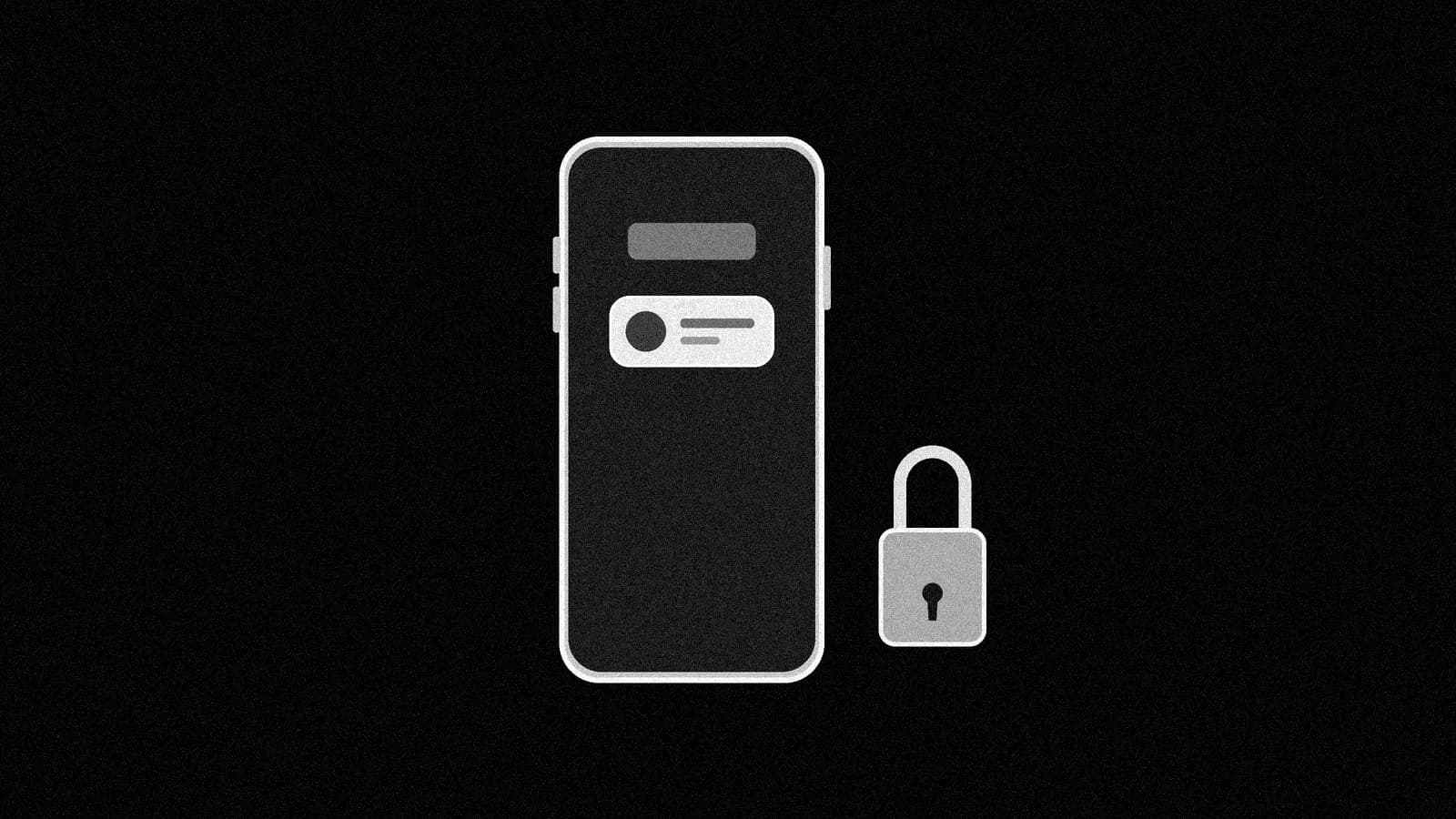
What you can do now: update Hark Pro on your iPhone to 2.3.0 and add its new Lock Screen widget, so you can open Hark straight from your Lock Screen. You can also drag files straight into the Composer bar and save photos and videos from Chat.
What changed#
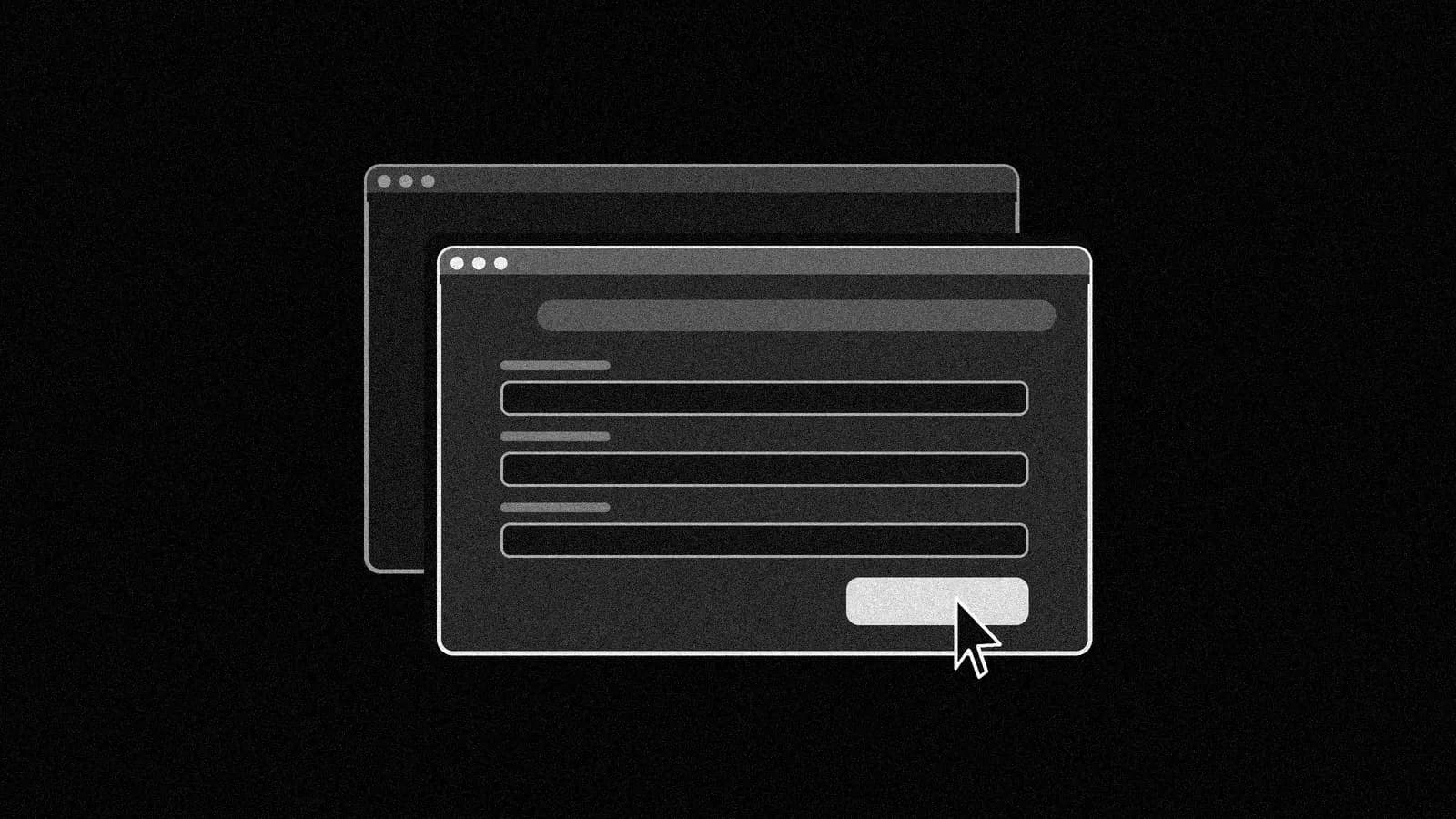
Version 2.3.0 reached the App Store on Oct 13 at 12:55 PM ET. Hark says it brings "two dozen small fixes and improvements" plus four features: a Lock Screen widget, saving photos and videos from Chat, drag and drop into the Composer bar, and "subtle notifications" when Projects need attention. Every earlier version since 2.0.0 shipped with only "Refinements to Hark." As recently as Oct 11, one reviewer checked both store listings for a widget and found none. Google Play also shows an Oct 13 update, but its notes did not load for us, so Android parity is unconfirmed.
Why it matters#
Hark's pitch is that it acts before you ask. On Oct 13 the company said its Action Buttons are picked from "what it notices from your connected accounts, too." A Lock Screen entry point puts those suggestions closer to hand. Separately, Nebius said Hark Pro "runs real-time AI inference" on its Token Factory service.
How to use it#
- Update to 2.3.0.
- Touch and hold the Lock Screen, tap Customize, then Add Widgets.
- Pick Hark, swipe down, tap Done.
- In Chat, drag a file into the Composer bar and ask:
Read the PDF I just dropped in, pull every deadline into a list, and suggest which ones you can handle for me.
Good to know#
- Missing connector? Asked about Readwise, TripIt and QuickBooks, Brett Adcock asked whether those were MCP servers or APIs, then said: "Just set them up yourself, ask Hark for the keys."
- Too pushy? Adcock: "Just tell it to stop on those occasions and it will."
- Location: Adcock said exact location tracking is "being fixed."
- Usage still drains fast, users report: one used a month of the $100 plan's credits in a week; another hit almost 30% of monthly usage a day after buying Pro 2.
- VPN: two users say they can't reach Hark with a VPN on; one blames Cloudflare. One more user reported being stuck offline for hours early today (unverified).
What to watch#
Whether Google Play's notes confirm the widget and drag and drop on Android, and whether Hark answers the usage complaints.
Steps
- Update Hark Pro to 2.3.0 in the App Store.
- Touch and hold the Lock Screen, then tap Customize.
- Tap Add Widgets and pick Hark.
- Swipe down from the Widgets list, then tap Done.