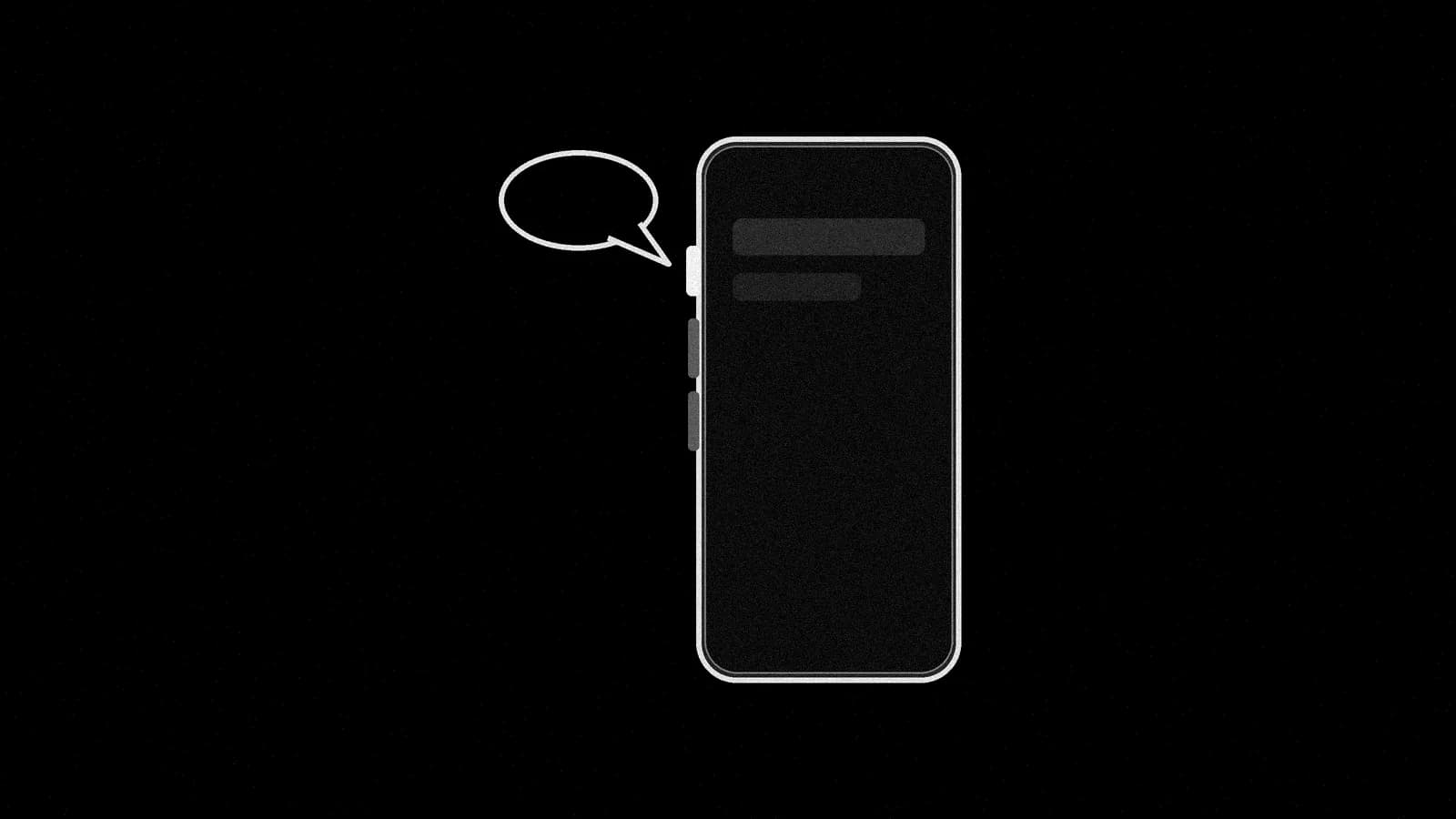
Press your iPhone's Action Button to talk to your Grok Bot
Grok Bot says you can now set it as your iPhone's Action Button and press it to talk with a Bot.
You can now put Grok Bot on your iPhone's Action Button and talk to a Bot with one press. The official Grok Bot account, which X marks as affiliated with SpaceXSI, posted at 2:40 PM ET Monday: "Set it as your iPhone's Action Button and press it to talk with Bot." Its launch video shows a press opening a call bar at the top of the screen with a Bot's name, a mic button and a red end button.
What changed#
Until now, the voice chat help page had you start a call from inside a Bot's chat: "Open the chat with the Bot. Leave the message box empty. Choose Start voice chat. It is the waveform button in the message box." Now a press of the Action Button does it.
Parker Conrad, whose X bio reads "voice @spacexsi", wrote at 2:50 PM ET: "Grok Bot now lives on the Action Button! I had a lot of fun building this, it's one of those small quality of life improvements that you find yourself using everyday."
How to set it up#
SpaceXSI hasn't published steps. These are a user's: DogeDesigner, a fan account that isn't SpaceXSI staff, posted them at 3:10 PM ET, and Conrad reposted them four minutes later. In DogeDesigner's words: "Settings → Action Button → Shortcut → Choose a Shortcut → Search “Grok Bot” → Select “Start voice chat”" and "Now press and hold the Action Button to talk to your Bot."
You need an iPhone with an Action Button. Apple says "On supported models, iPhone has an Action button in place of the Ring/Silent switch." The Grok Bot app needs "iPhone with iOS 18 or later" (docs). Nobody has said which app version adds the action, so update the app first.
Prompt to try once the call connects (ours, untested):
Give me my top three things for today in under a minute, then ask which one you should start on.
Good to know#
- Other actions, unconfirmed. In DogeDesigner's setup video, the Shortcuts search also shows List Bots and Send Message actions next to Start Voice Chat. That's from a user's video only. SpaceXSI hasn't mentioned them, and we haven't tried them.
- Which Bot answers? Nobody has said whether you can choose the Bot the button calls.
- Not documented yet. As of 4:40 PM ET, the voice chat help page and the mobile docs don't mention the Action Button, the changelog still ends at v0.70.2 from Oct 11, and the App Store notes for iOS version 1.16.0 (Oct 18) list only two fixes. We haven't tried it on an iPhone.
What to watch#
A help page or changelog entry, a way to pick the Bot, and whether Android gets something similar.